Deployment
coltrane can be installed with deployment features for production by installing the deploy extras.
coltrane[deploy]
Required settings
DEBUGshould beFalse(more details in Django docs).ALLOWED_HOSTSmust be set to the acceptable host or domain names (more details in Django docs).
DEBUG=False
ALLOWED_HOSTS=coltrane.com,www.coltrane.com
Gunicorn
gunicorn is a production WSGI server and is perfect for serving coltrane apps.
The following example shows how to run gunicorn in production.
gunicorn -b localhost:8000 app:wsgi
Whitenoise
whitenoise allows regular WSGI servers to serve static files without needing to move assets to S3 or another hosted file platform. It will be configured automatically when DEBUG is set to False.
Hosting
Docker
A sample Dockerfile is created for new Coltrane projects. It can be used along with gunicorn.conf.py for any hosting platform that supports Docker.
Heroku
Integrated
Heroku will run the
collectstaticmanagement command by default for Django projects, but this should be disabled by setting theDISABLE_COLLECTSTATICenvironment variable to1. This can be done in the Config Vars section of the appSettings.Turn off debug functionality by adding another environment variable key named
DEBUGand setting the value to0.
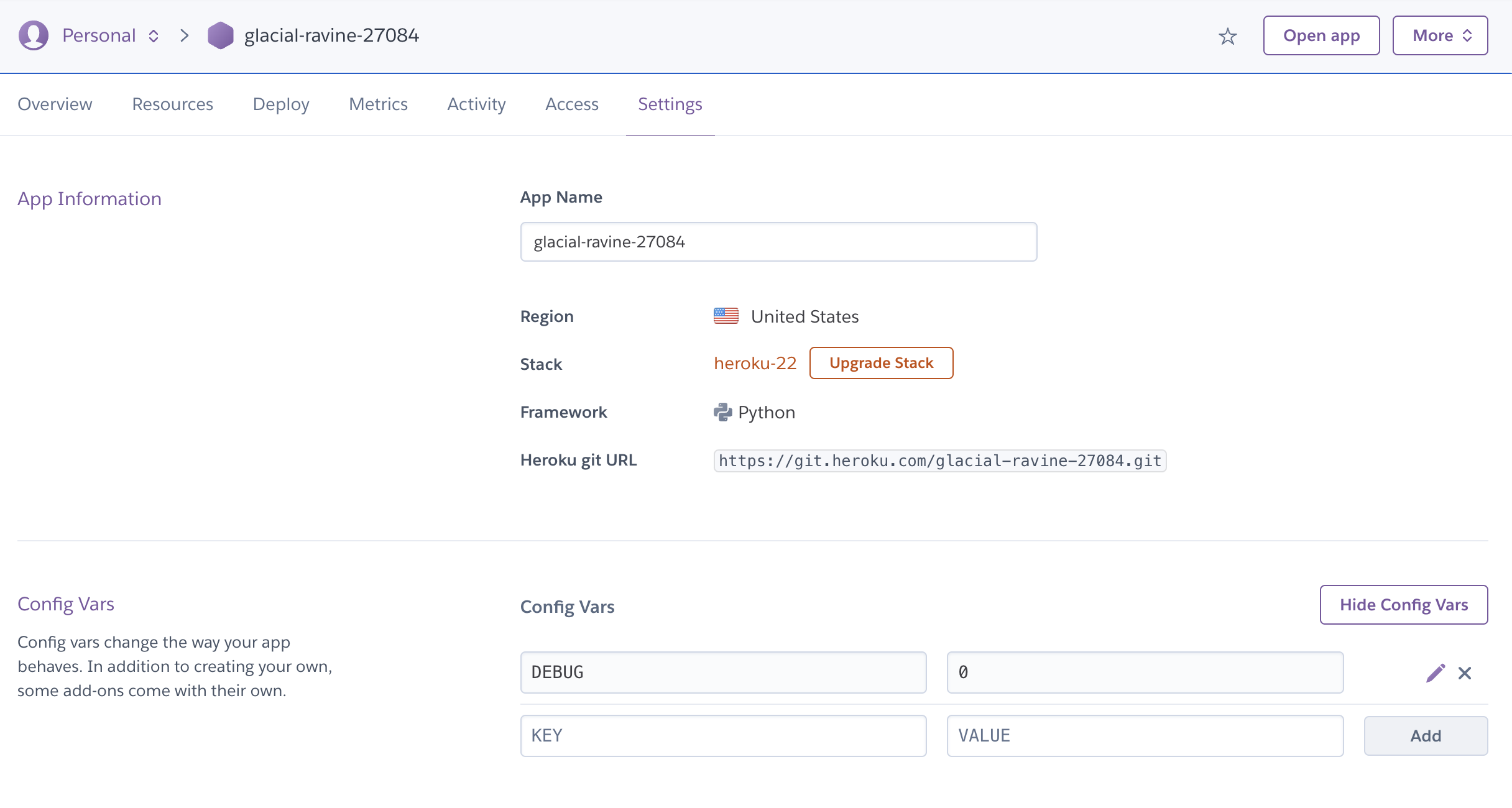
Add the
nginxbuildpack from https://buildpack-registry.s3.amazonaws.com/buildpacks/heroku-community/nginx.tgz and make sure it is the last buildpack in your list.

Then, add the following files so that
nginxwill serve the static files efficiently.
gunicorn.conf.py
def when_ready(server):
    # touch app-initialized when ready
    open("/tmp/app-initialized", "w").close()

bind = "unix:///tmp/nginx.socket"
workers = 3
Procfile
web: python app.py collectstatic --noinput && bin/start-nginx gunicorn -c gunicorn.conf.py app:wsgi
render.com
Static site
Set the
PYTHON_VERSIONenvironment variable to the desired Python version (must be at least 3.8)
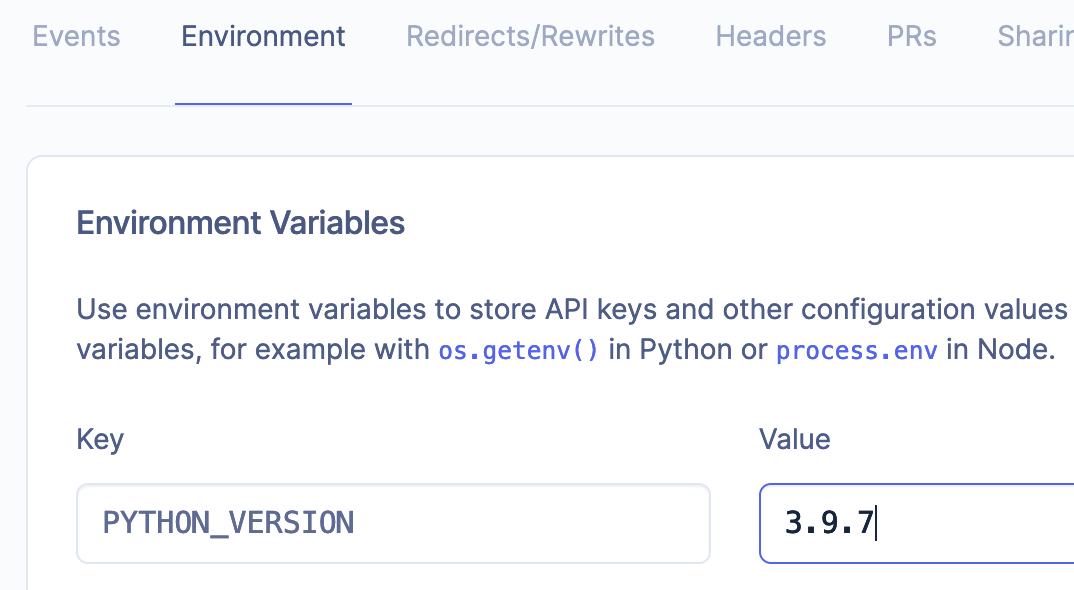
Go to
settingsand usepip install uv && uv install -r pyproject.toml --system && uv run coltrane buildfor theBuild Command
